
What this walkthrough shows
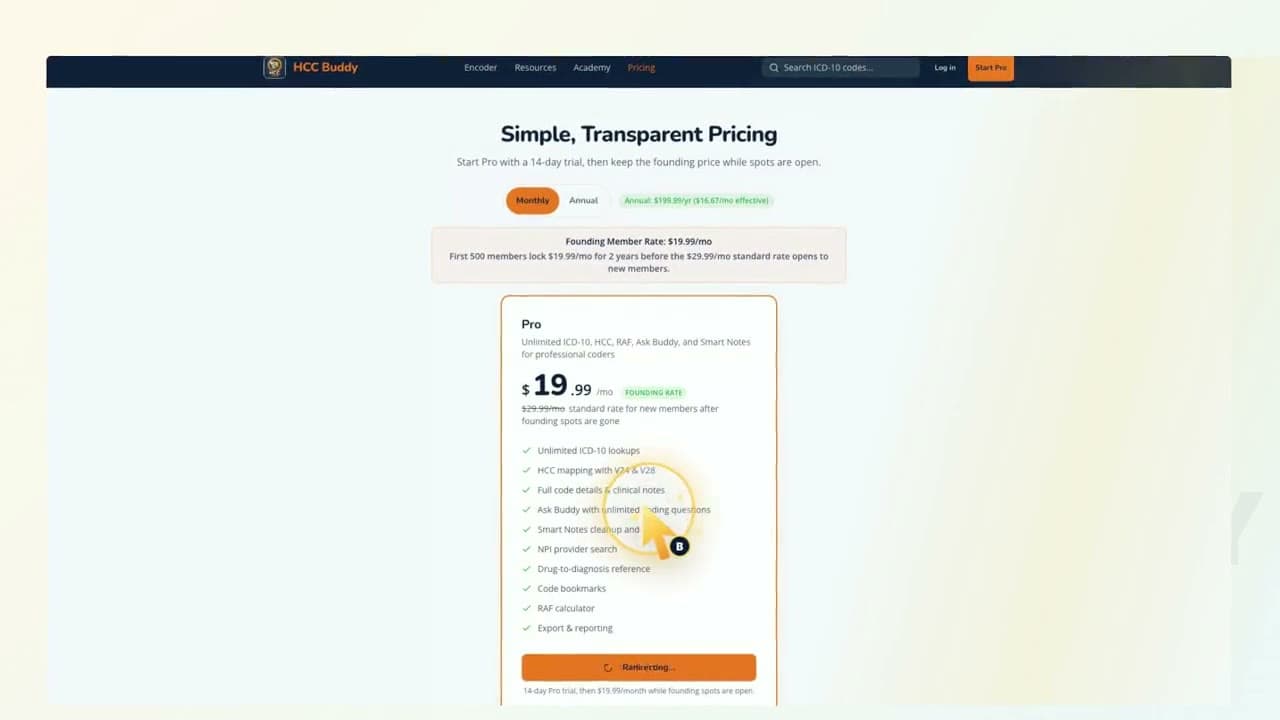
Start from the pricing page.
Open the signup flow with Pro selected.
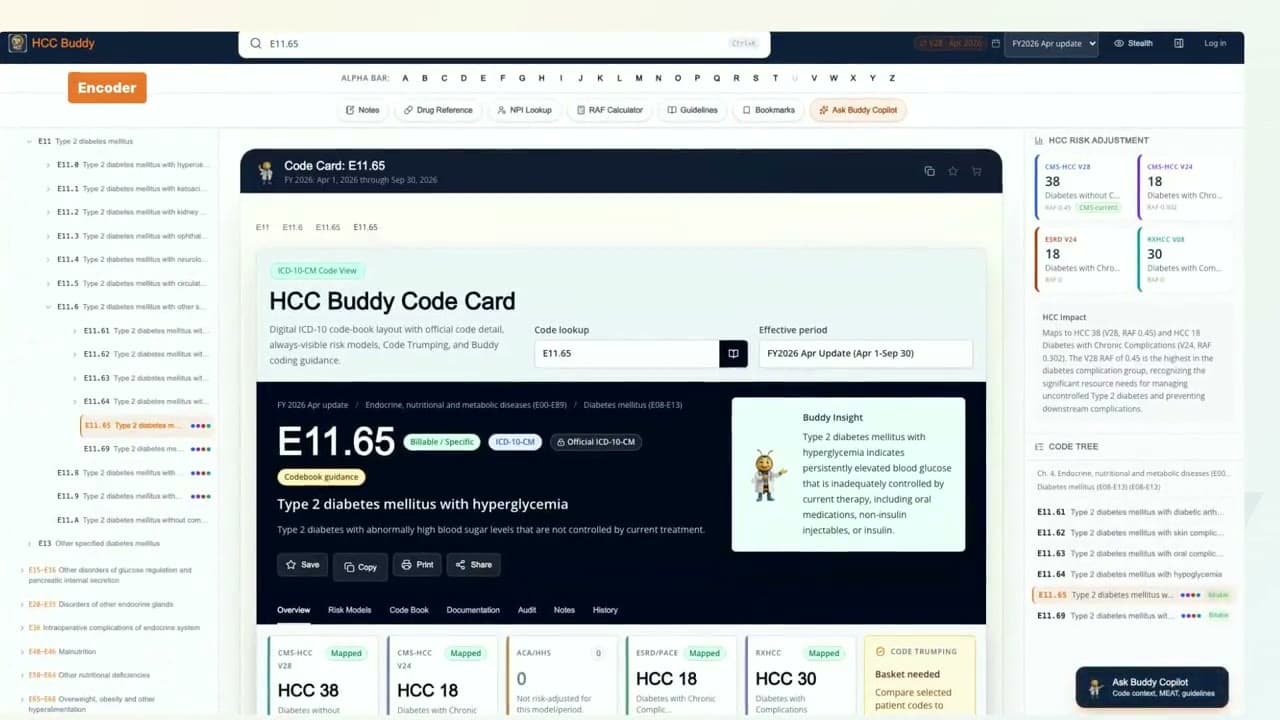
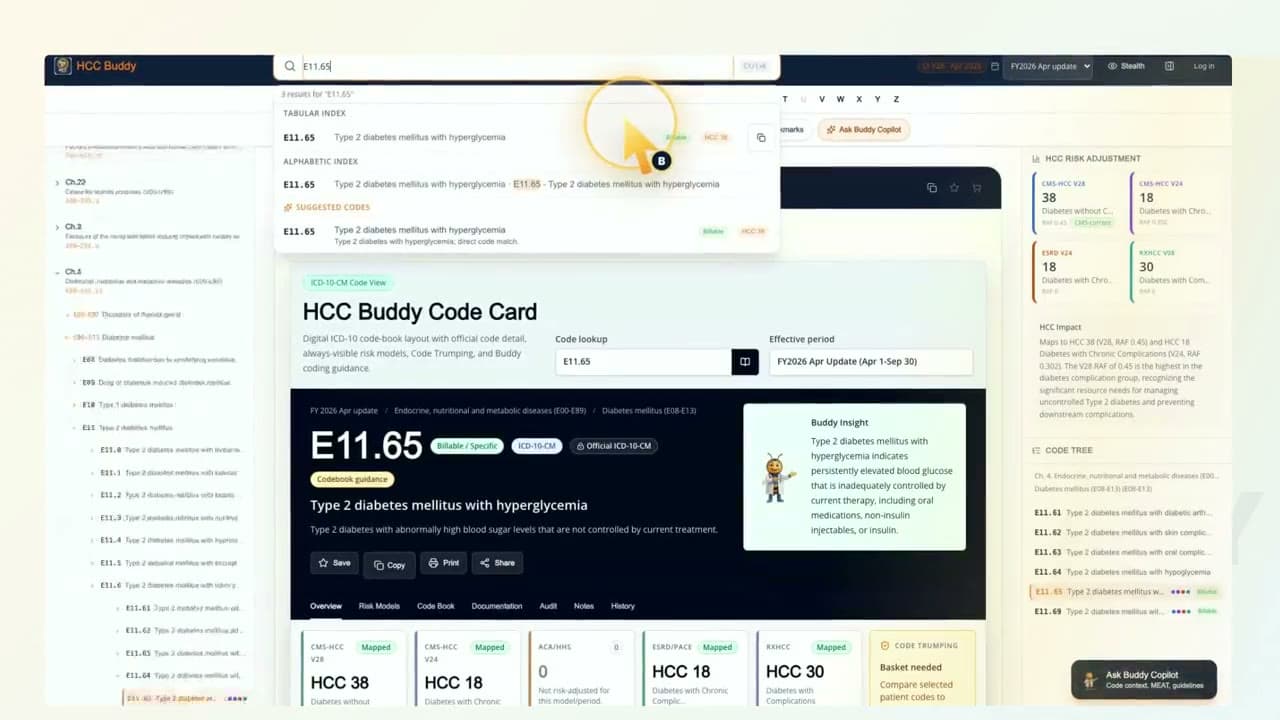
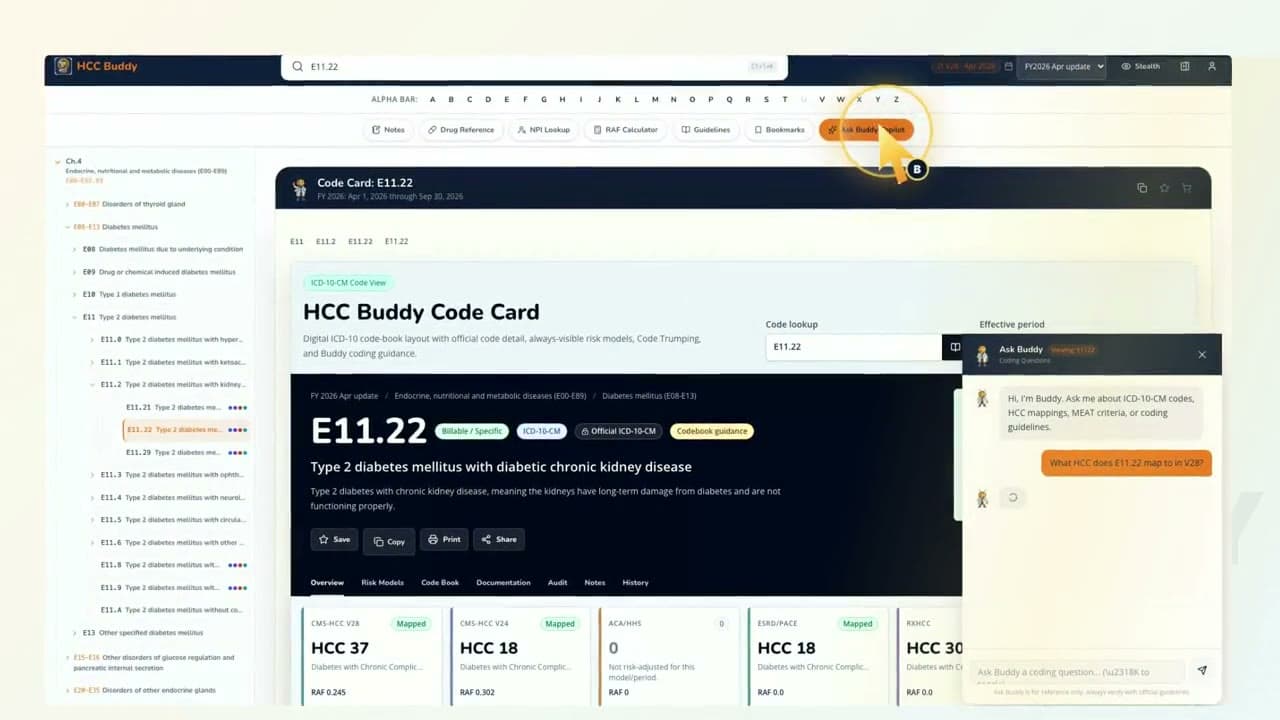
Get to the first coding tool without hunting around.
Watch it, then try the tool
Each video uses real HCC Buddy screens so the next click is easy to find when you open the tool yourself.
Start ProTranscript
Hey, I'm Buddy. Starting Pro should feel simple, not like a scavenger hunt. Start on pricing, choose Start Pro, and the signup page opens with the plan already selected. Once the account is ready, open the Encoder and start with a real code. The path is pricing, signup, first tool. That's it. Start clean. Open the first tool. Keep moving. That is HCC Buddy.