
Back to videos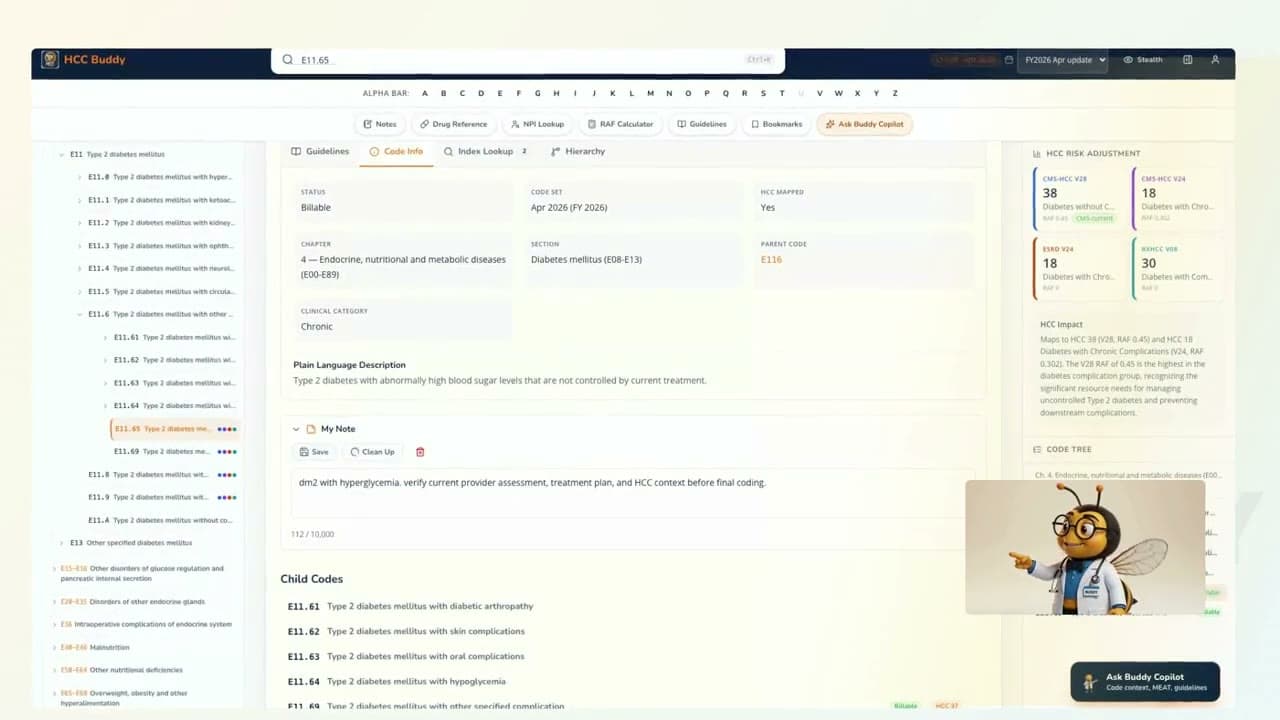
Smart Notes walkthrough
Smart Notes For Coding Review
Watch Smart Notes save a rough coder note, clean it up, and keep it tied to the code workflow.
What this walkthrough shows
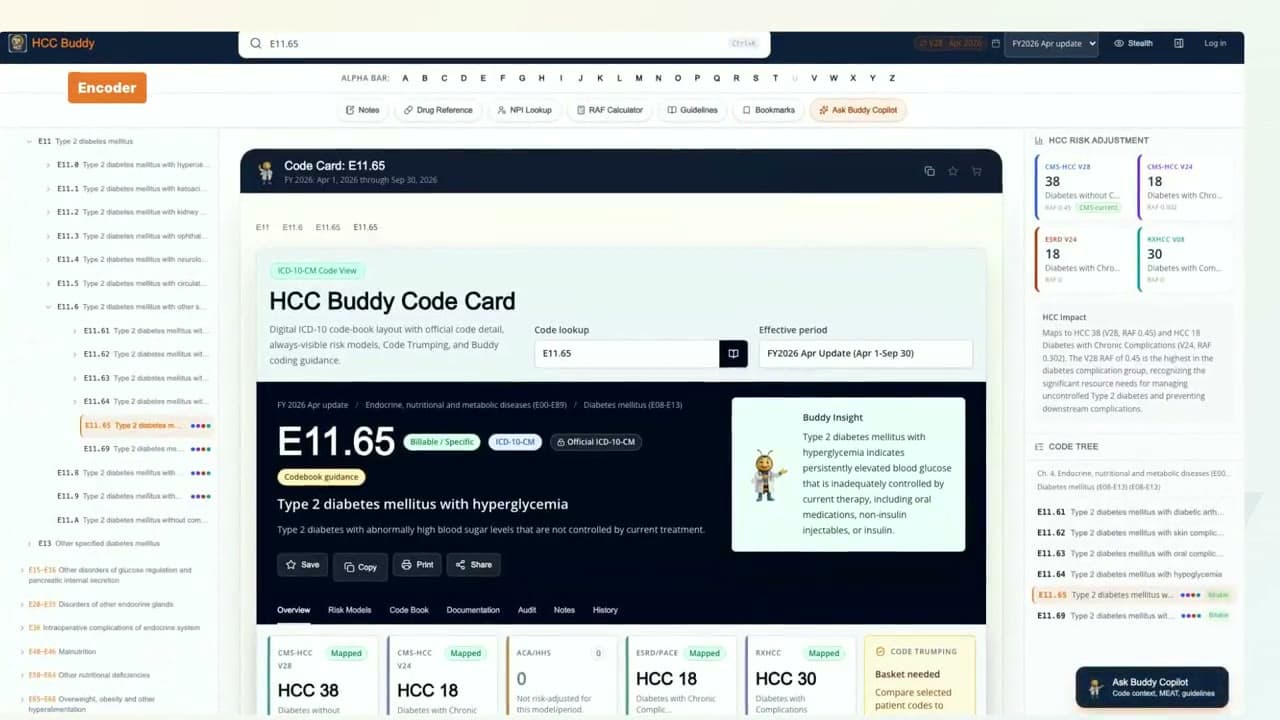
Open My Note from the code card.
Save rough coder wording.
Use Clean Up and keep the finished note in Smart Notes.
Watch it, then try the tool
Each video uses real HCC Buddy screens so the next click is easy to find when you open the tool yourself.
Open Smart NotesTranscript
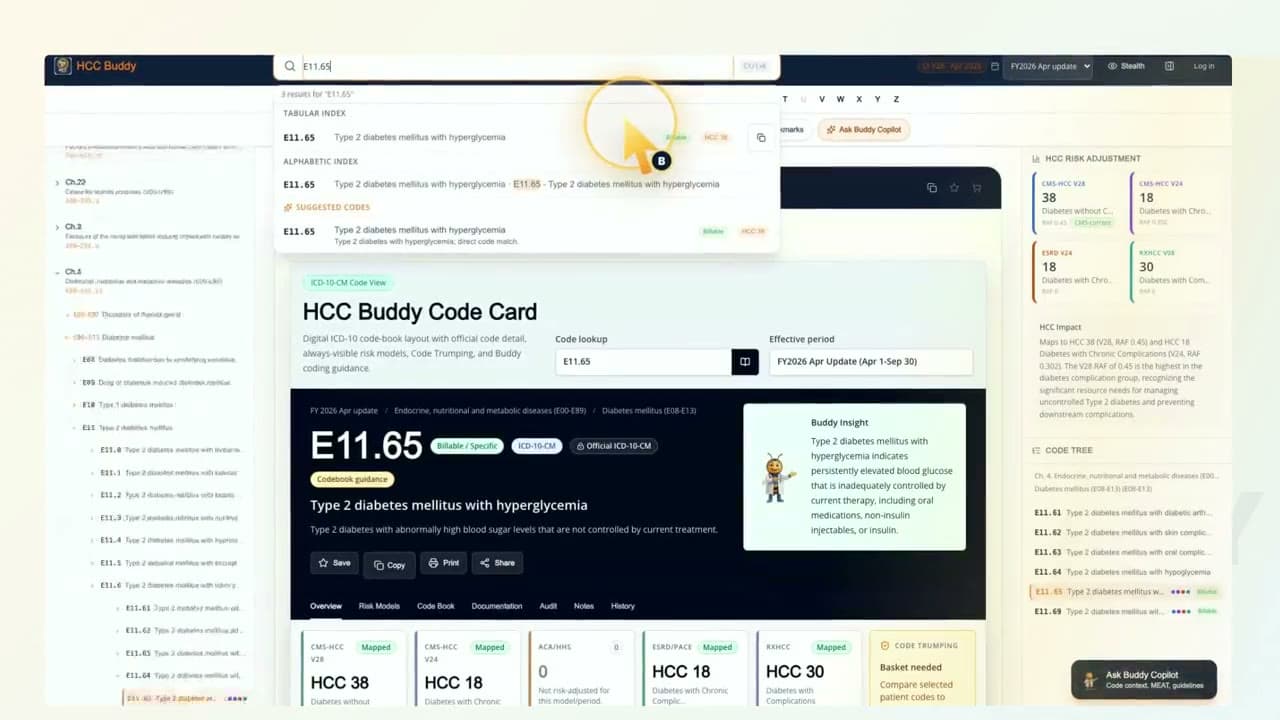
Ever write a quick coder note that starts out messy? I'm Buddy. Let's clean it up without leaving the code card. On E eleven point sixty five, open My Note. Brain-dump the reminder, save it, then use Clean Up to turn shorthand into clearer review wording. Accept the cleaned version, and it shows up in Smart Notes for the next time you need it. Write the note. Clean it up. Keep moving. That is HCC Buddy.