

HCC coding software
HCC coding software built for risk adjustment coders
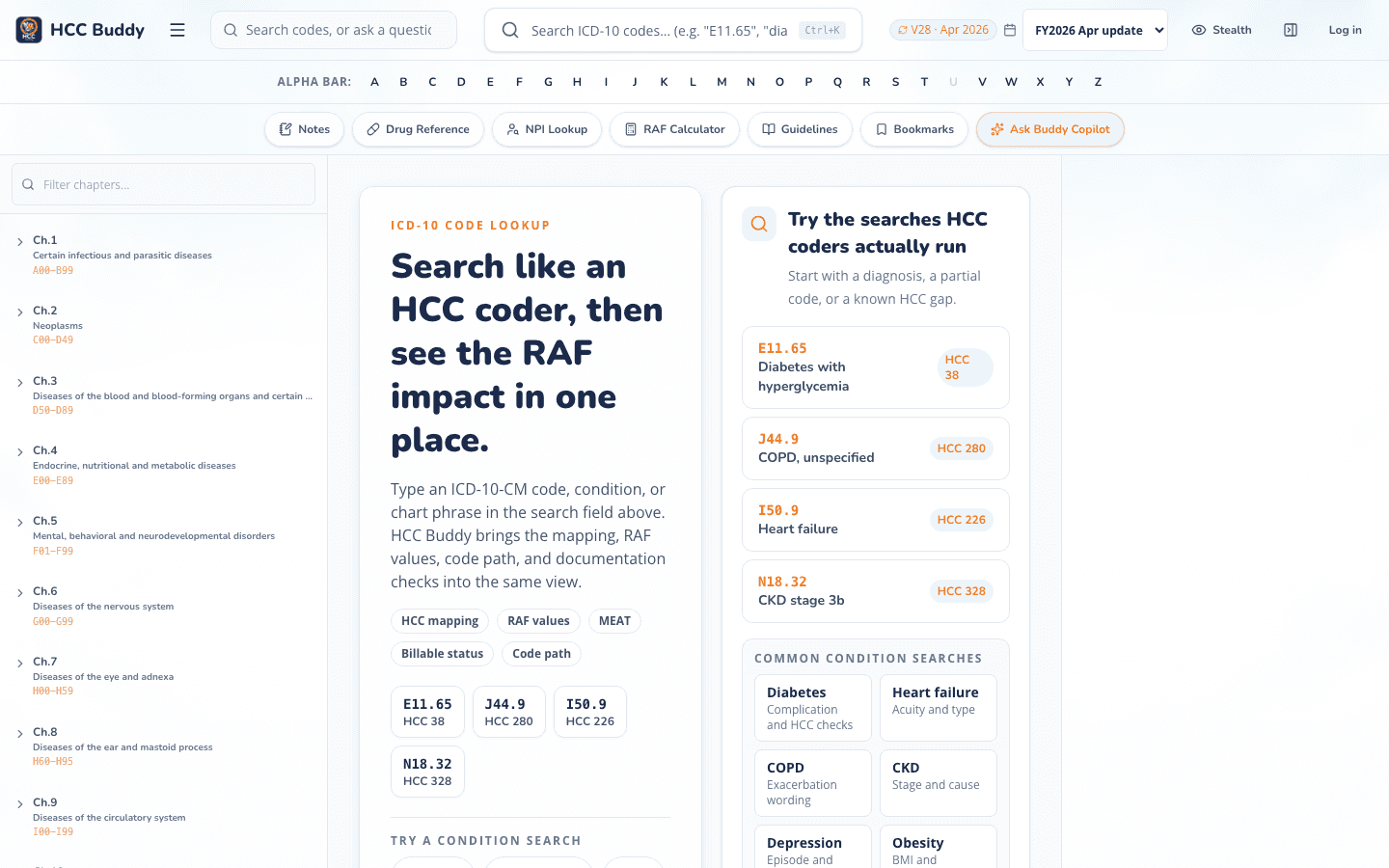
Look up the ICD-10-CM code, review the V24 and V28 HCC mapping, and move into RAF work without rebuilding the same search in another tool.
No card required. Founding members pay $19.99 per month while the founding window is open.
Start where the coder starts
One code search, with the HCC work attached
Risk adjustment coding software should do more than confirm a code description. HCC Buddy keeps billable status, the code path, HCC mapping, and RAF tools close enough to review without another scavenger hunt.
How it works
From code lookup to RAF review
- 1
Search the code
Start with the ICD-10-CM code or the documented condition. The encoder keeps billable status and the code path close to the result.
- 2
Review the model context
Check the V28 and V24 mapping shown for the code. Keep coder judgment in the loop and code only what the documentation supports.
- 3
Continue the same review
Open the RAF score calculator when you need model impact, or keep the lookup beside your browser workflow with the Chrome extension.
The working set
Use the full page or keep the lookup beside your chart
The web app gives the code room. The Chrome extension keeps the same lookup within reach when the chart is open in another browser tab.
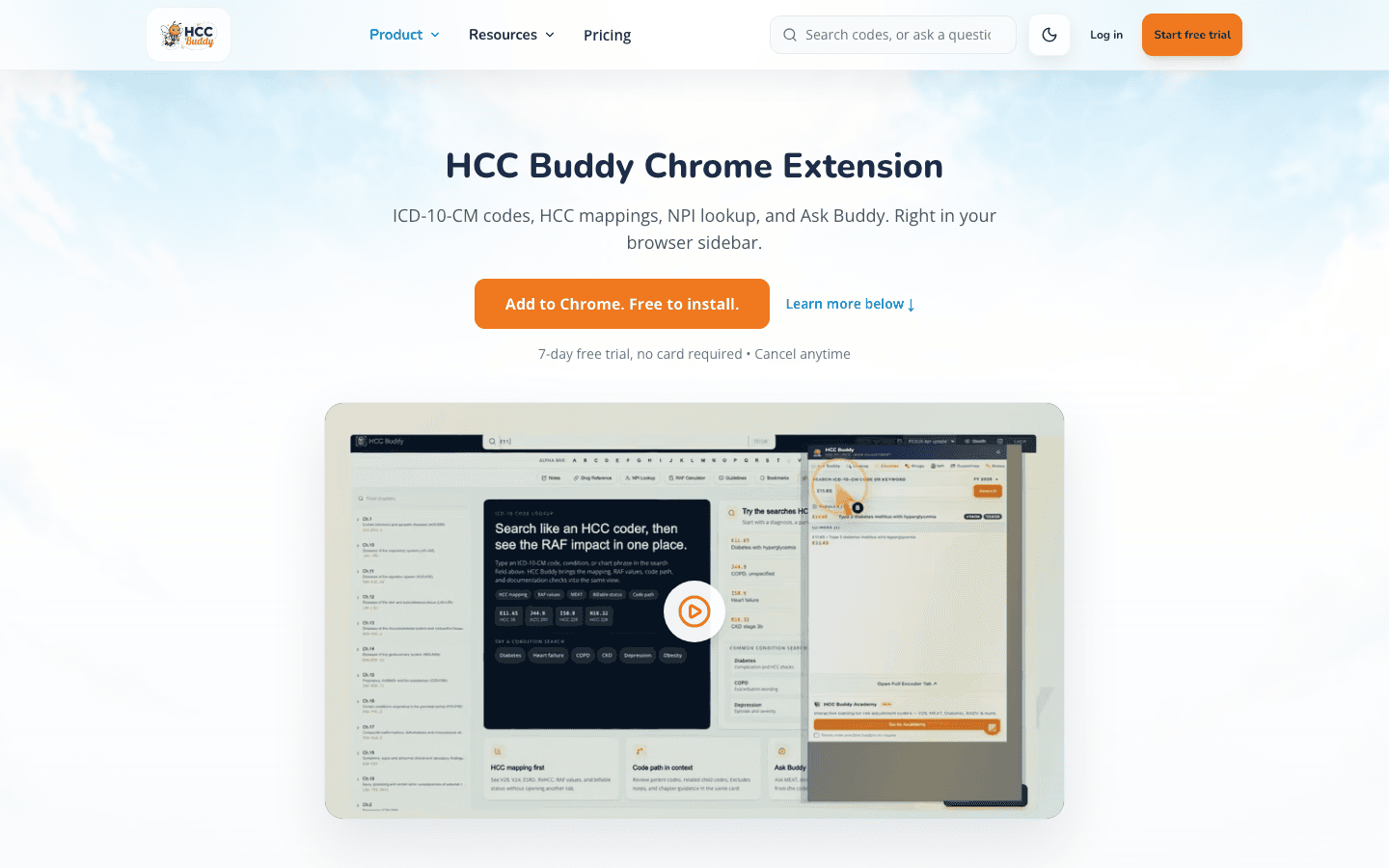
Chrome side panel
Keep the lookup beside a browser-based EMR, then open the full encoder when you need more room.
See the Chrome extensionCompare the workflow
What to check before you choose HCC coding software
Product pages rarely define the same terms the same way. Run a familiar code, then compare what is included and what costs extra.
| What you need | HCC Buddy | What to verify elsewhere |
|---|---|---|
| HCC mapping | V28 and V24 shown with the code | Check whether mapping is included or sold separately. |
| RAF work | RAF score calculator in the same tool set | Check the model year, inputs, and included coefficients. |
| Browser workflow | Web app plus Chrome extension | Check whether a separate desktop workflow is required. |
| Try before paying | 3 free lookups daily, then 7 days of Pro with no card | Check card terms and which features the trial includes. |
| Monthly price | $19.99 founding rate, $29.99 standard | Check add-ons, seat minimums, and annual terms. |
Pricing you can see
Try the actual workflow before you pay
The free tier includes 3 code lookups each day. Pro starts with 7 days of access and no card. If you decide to subscribe, the founding monthly rate is $19.99 while the founding window remains open. The standard monthly rate is $29.99. Annual Pro is $199.99 per year.
Read the full pricing detailsFree
$0
3 code lookups per day. No card.
Pro
$19.99/month founding
7-day trial with no card. $29.99 per month at the standard rate. Annual Pro is $199.99 per year.