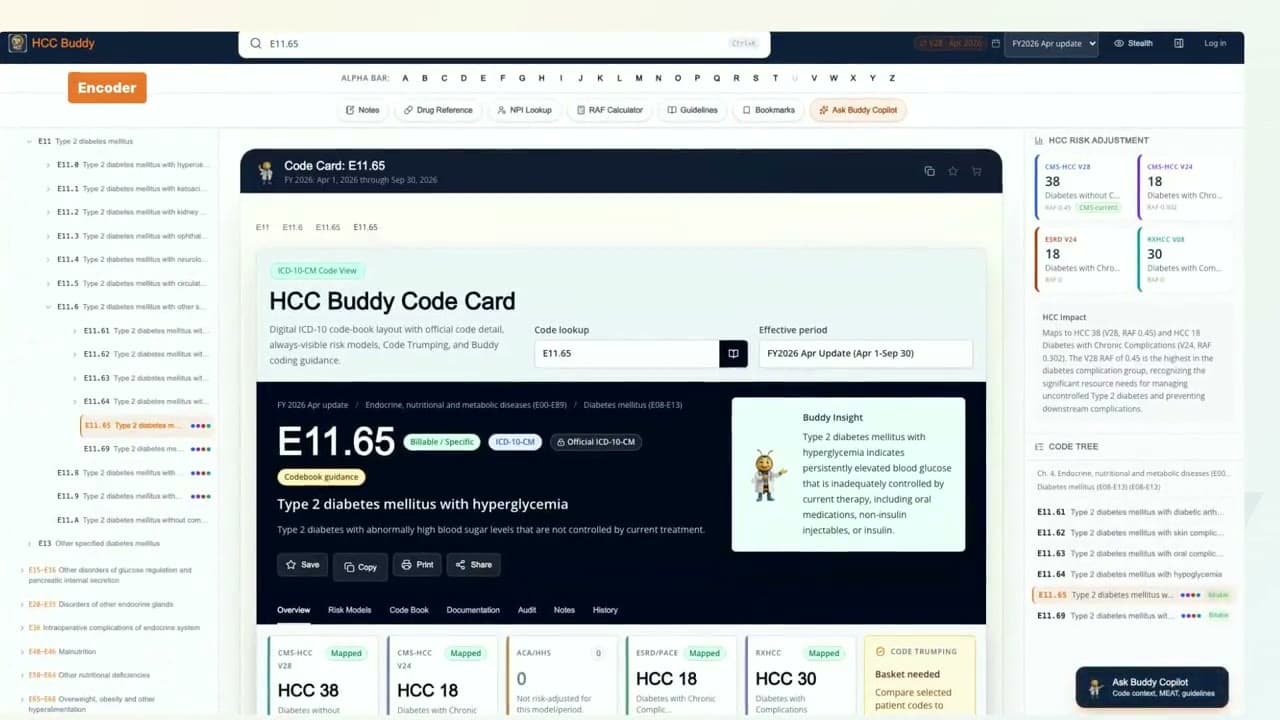

NPI Lookup Without Leaving Your Workflow
Search by provider name and state inside HCC Buddy so provider details stay beside the coding tools.
What this walkthrough shows
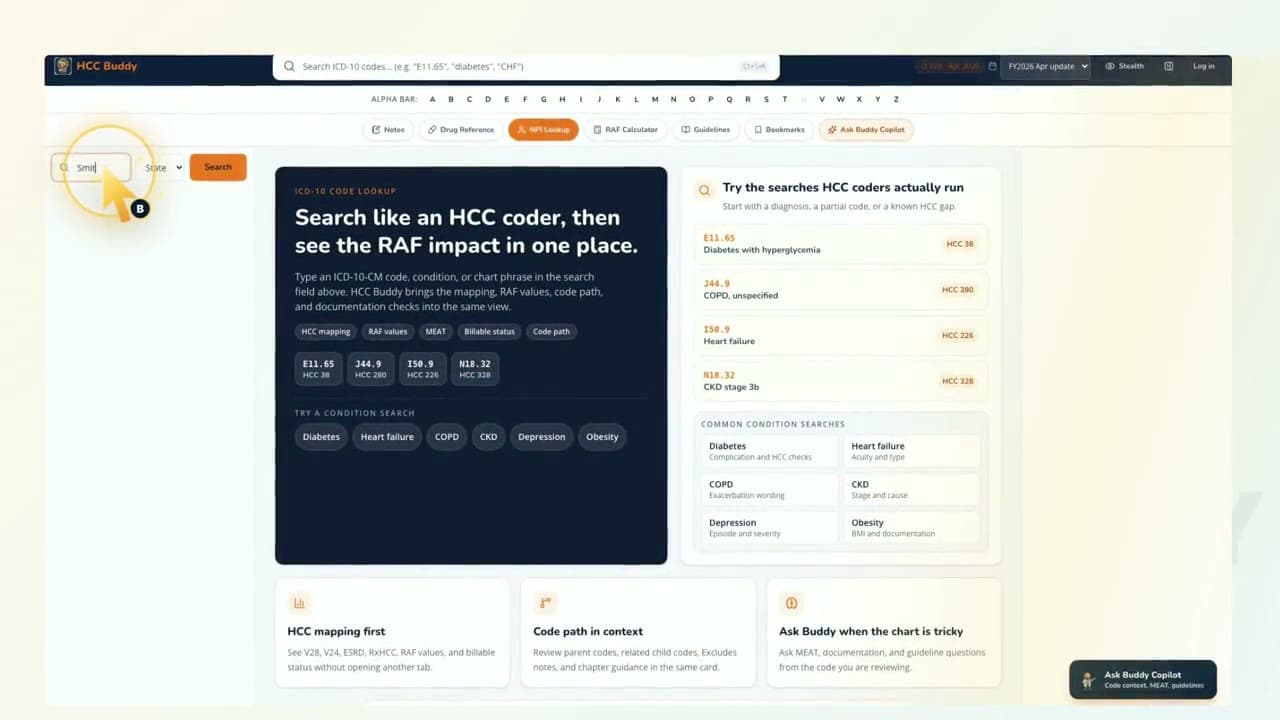
Open provider lookup inside HCC Buddy.
Search by provider name and state.
Check details without leaving the coding workflow.
Watch it, then try the tool
Each video uses real HCC Buddy screens so the next click is easy to find when you open the tool yourself.
Open NPI LookupTranscript
Ever need to look up a provider while you're reviewing a chart? I'm Buddy. Let's open the provider lookup in HCC Buddy and keep the record right where you're already working. Now, type the provider's name. Add the state if you have it. HCC Buddy brings the provider details into the same workspace, so you can check the match and keep moving. No separate search tab. No losing your place. Just the provider lookup beside the coding tools while you work. That's the kind of small workflow fix coders feel all day. One less tab. One cleaner workflow. That's HCC Buddy.