
Back to videos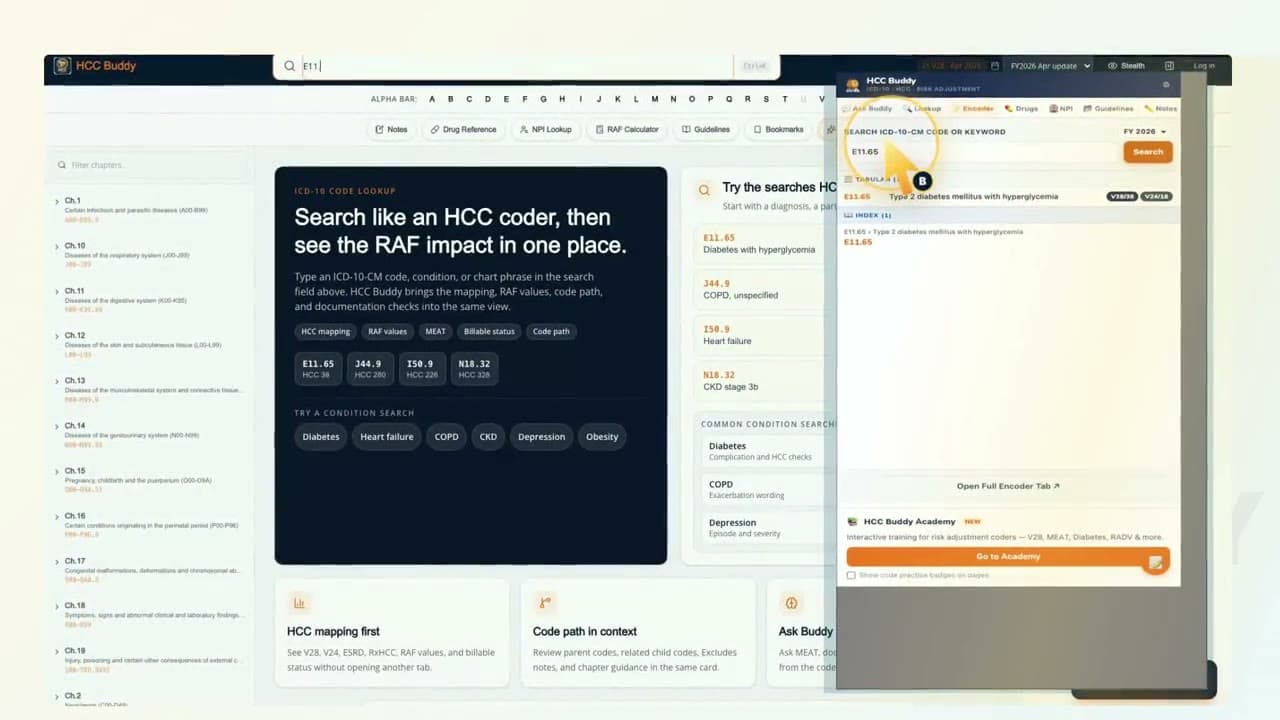
Chrome Extension walkthrough
Chrome Extension In The Flow
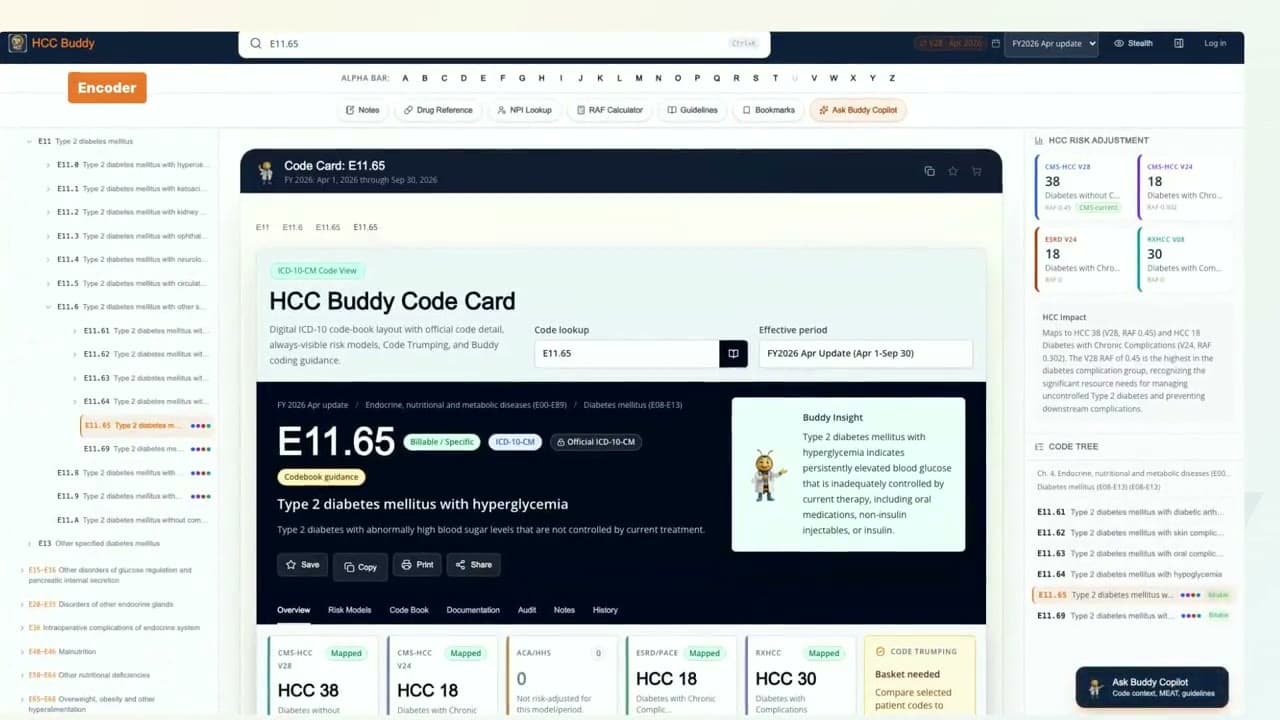
See the HCC Buddy Chrome extension side panel in a real browser workflow with Encoder and Ask Buddy.
What this walkthrough shows
Open the Chrome extension beside the browser workflow.
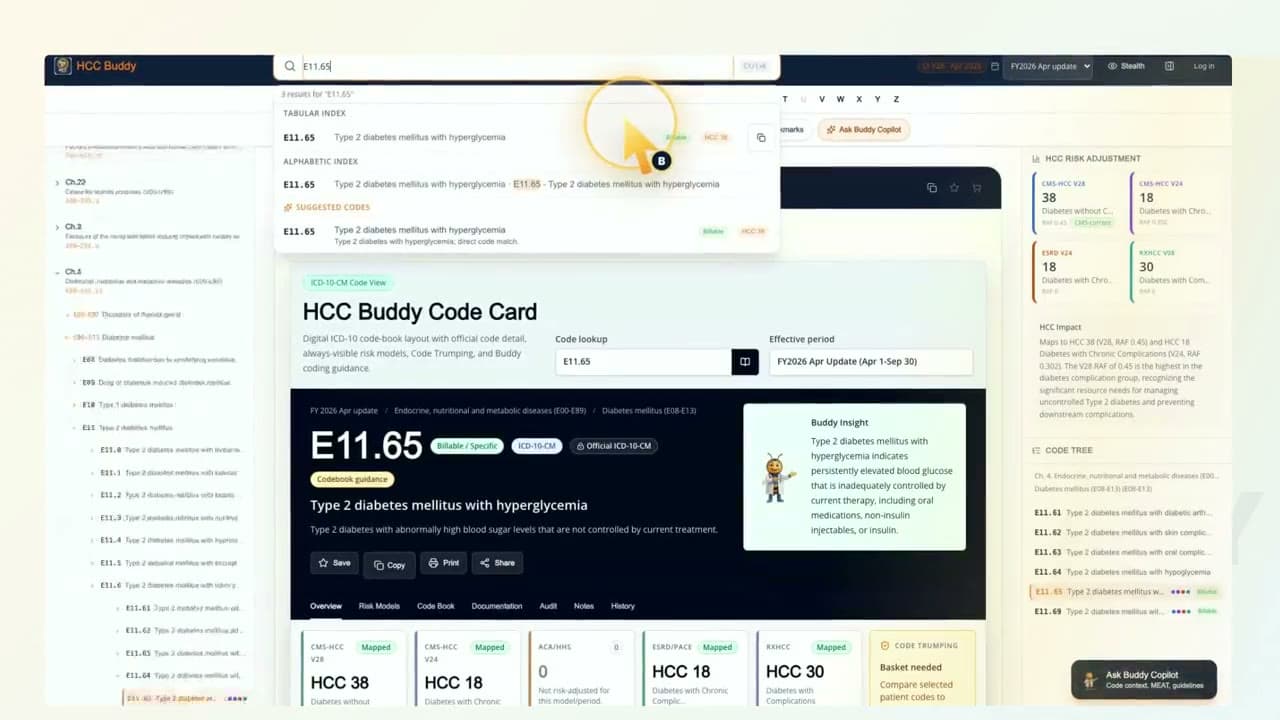
Use the extension Encoder tab.
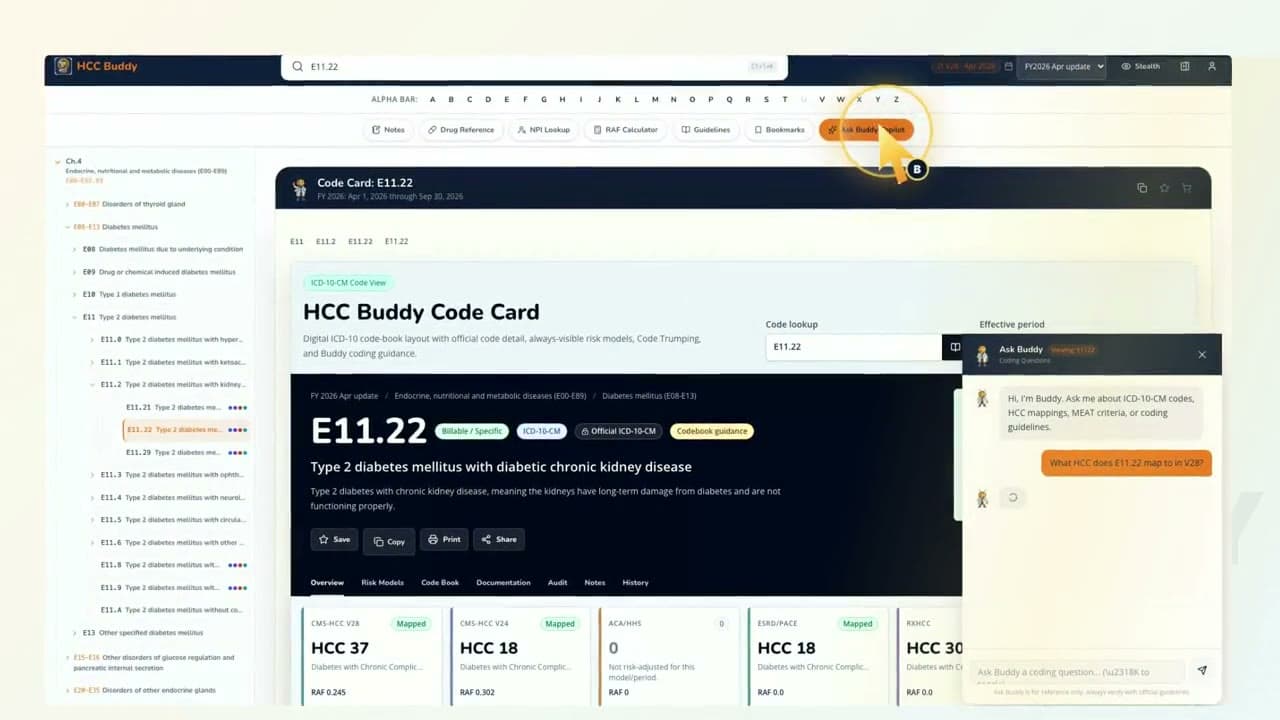
Ask Buddy without leaving the side panel.
Watch it, then try the tool
Each video uses real HCC Buddy screens so the next click is easy to find when you open the tool yourself.
Add the ExtensionTranscript
Want HCC Buddy beside the page you're already reviewing? I'm Buddy. Let's open the Chrome extension. Open the extension, use the Encoder tab to search E eleven point sixty five, then ask Buddy the same coding question right in the side panel. The point is simple: keep HCC context close while the browser workflow stays open. One browser. One side panel. Keep moving. That is HCC Buddy.