
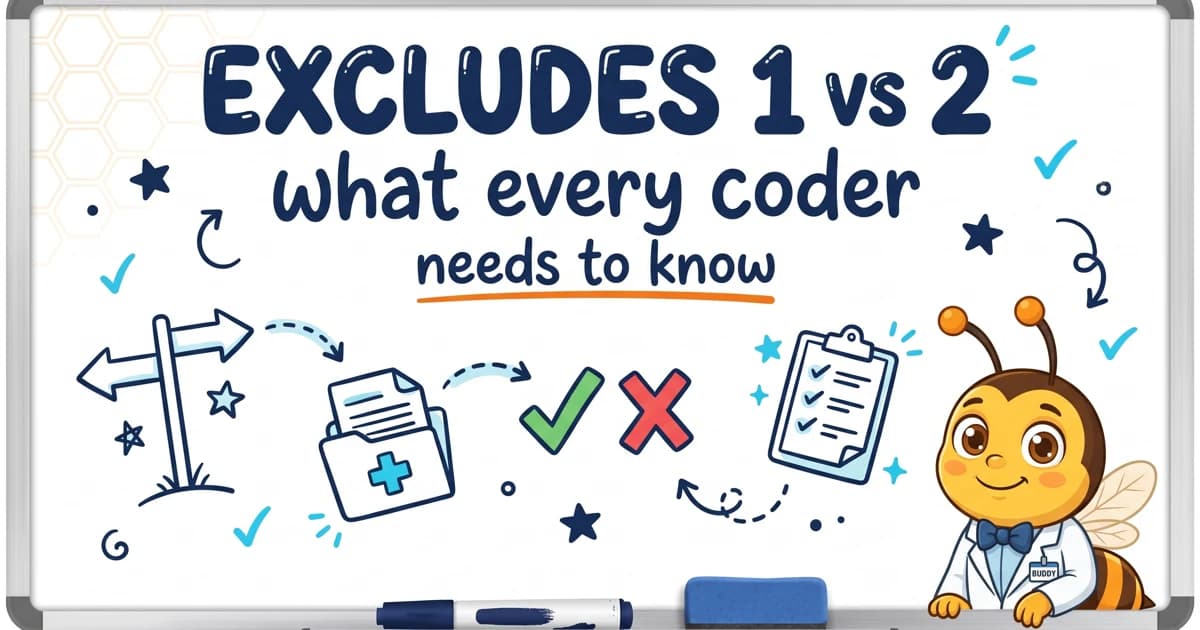
Excludes 1 vs Excludes 2 in ICD-10: What Every Coder Needs to Know
Understand the critical difference between Excludes 1 and Excludes 2 notes in ICD-10-CM coding, with real-world examples and common mistakes to avoid.
By the HCC Buddy Coding Team
Updated: September 5, 2026
The Two Types of Excludes Notes
ICD-10-CM uses two types of Excludes notes that have very different meanings, as defined in the official CMS ICD-10-CM code set guidelines. Confusing them is one of the most common coding errors, and it can directly impact HCC capture and audit outcomes.
Excludes 1: "NOT CODED HERE"
An Excludes 1 note means the two conditions cannot occur together. If an Excludes 1 note appears under a code, you cannot use that code simultaneously with the excluded code.
The rule: The conditions are mutually exclusive. You must choose one or the other.
Example
Under J44.0 (COPD with acute lower respiratory infection):
- Excludes 1: J44.1 (COPD with acute exacerbation)
This means a patient cannot have both J44.0 and J44.1 coded at the same time. If the patient has COPD with both an acute infection and an exacerbation, the coder must determine which condition is present based on documentation, or use a combination code if one exists.
Common Excludes 1 Mistakes
- Coding both Type 1 and Type 2 diabetes for the same patient (E10.- and E11.- are mutually exclusive)
- Coding both acute and chronic forms of the same condition when only one can exist at a time
- Ignoring the Excludes 1 note and assigning both codes, creating an audit flag
Excludes 2: "NOT INCLUDED HERE"
An Excludes 2 note means the excluded condition is not part of the current code but can occur together with it. If the patient has both conditions, you should code both.
The rule: The conditions can coexist. Code both if documented.
Example
Under I10 (Essential hypertension):
- Excludes 2: I15.- (Secondary hypertension)
This means I10 does not include secondary hypertension, but a patient could theoretically have both essential and secondary hypertension. If both are documented, both should be coded.
Why Excludes 2 Matters for HCC Coding
An Excludes2 note means the excluded condition is not part of the code above the note and both conditions can occur together. Report both only when the documentation and applicable coding rules support them; an HCC mapping or MEAT element does not establish that decision.
Quick Reference
| Feature | Excludes 1 | Excludes 2 |
|---|---|---|
| Meaning | Cannot occur together | Not included here |
| Can both be coded? | No | Yes, if both documented |
| Think of it as | "Either/or" | "In addition to" |
| Audit risk | Coding both = error | Missing the second = gap |
Real-World Scenarios
Scenario 1: Diabetes with Manifestations
A patient has Type 2 Diabetes with diabetic nephropathy (E11.21) and also has chronic kidney disease stage 3 (N18.3).
- E11.21 has an Excludes 2 for N18.- categories? No, actually, there is a "Use Additional" note telling you to code the CKD stage additionally.
- Action: Code both E11.21 and N18.3. This captures both the diabetes HCC and the CKD HCC.
Scenario 2: Heart Failure Types
A patient has both systolic and diastolic heart failure.
- I50.2- (Systolic heart failure) and I50.3- (Diastolic heart failure) have specific combination codes under I50.4- (Combined systolic and diastolic heart failure).
- Action: Use the combination code I50.4- rather than coding both separately.
How HCC Buddy Displays Excludes Notes
In HCC Buddy's encoder, each code detail view reports:
- Excludes 1 notes in a distinct section, reminding coders these codes cannot be used together
- Excludes 2 notes separately, signaling potential additional codes to capture
- Includes notes for clarity on what the code covers
- Use Additional and Code First instructions
This makes it easy to spot both restrictions and opportunities without flipping through the codebook.
Look up any code and see its Excludes notes at hccbuddy.com/encoder.

HCC Buddy Coding Team
Editorial
Every HCC Buddy article is checked against the current CMS-HCC model and the active FY ICD-10-CM tabular release before it publishes.
Get HCC Coding Tips in Your Inbox
Join our newsletter for coding tips, guideline updates, and tool announcements.